Dashboard
┗ Account
┗ Location
On Dashboard, it's available to see the integrated Task data clearly such as Total Tasks by status, Total Tasks by Assignee, Completion Ratio by Account etc.

The view of dashboard may vary depending on which account to log-in.
Filtering Function
It's available to filter by Date Range, Account, Location, Task Type on Dashboard menu.
To filter the data, just toggle each filter.
Data Range (Created_At)
Click on " ˅ " icon.
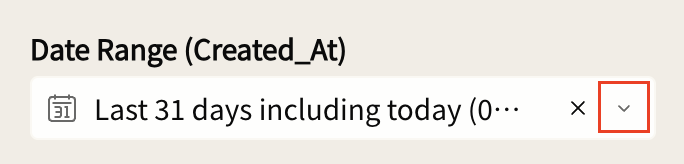
Click " ˅ " icon to expand the filtering menu and choose one from the menu.
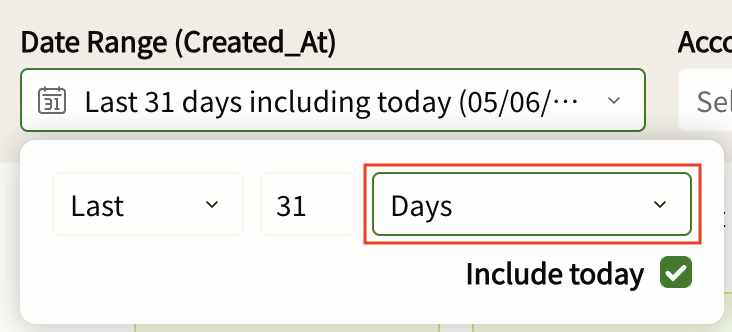
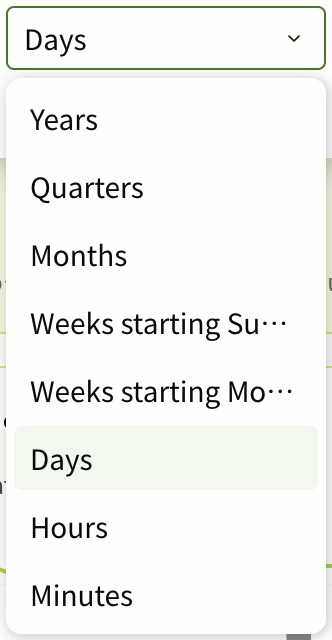
You can change Date Range such as Years, Months, Hours.
Account
Click on " ˅ " icon.
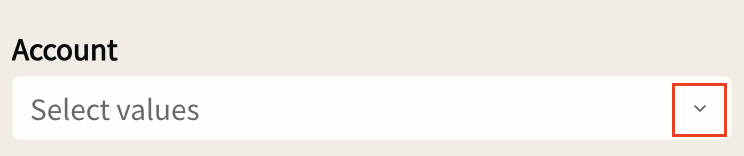
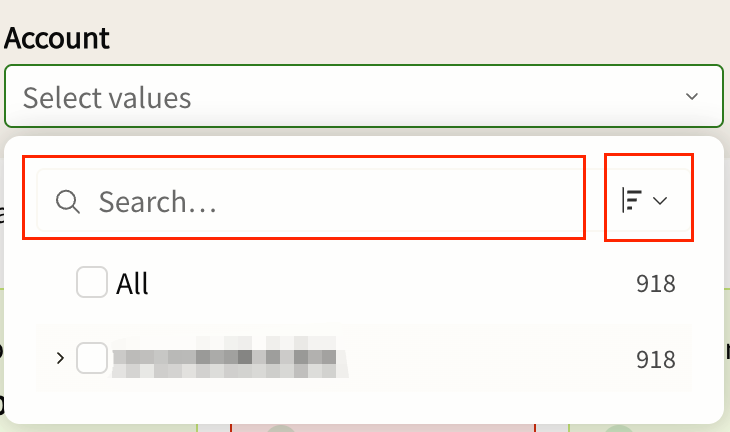
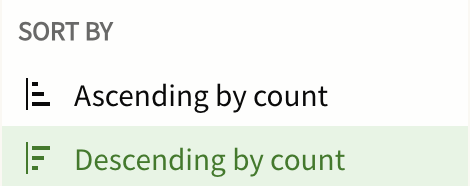
Click the search box to input a keyword or click on " ˅ " icon to expand the dropdown to sort the Account Name.
Location
Click on " ˅ " icon.
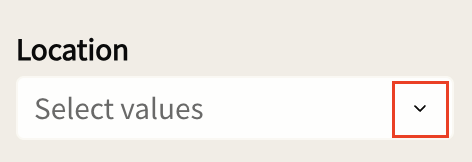
Click the search box to input a keyword or click on " ˅ " icon to expand the dropdown to sort the Location Name.
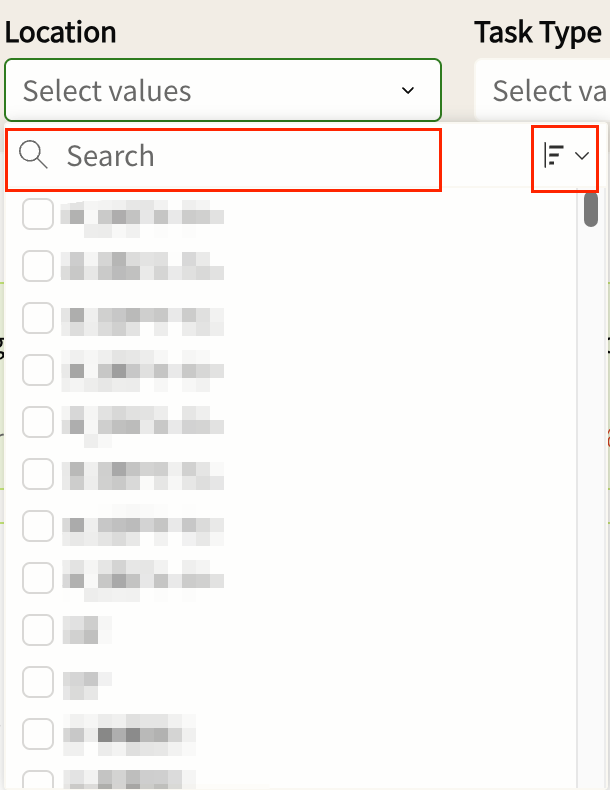
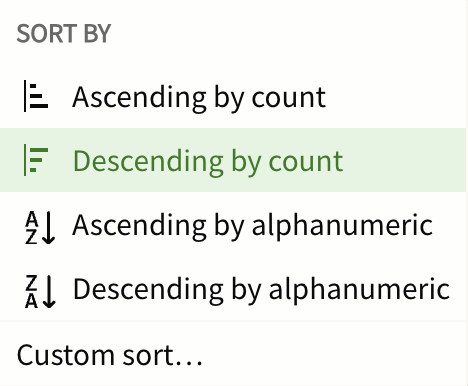
Choose the one to sort the Location Name.
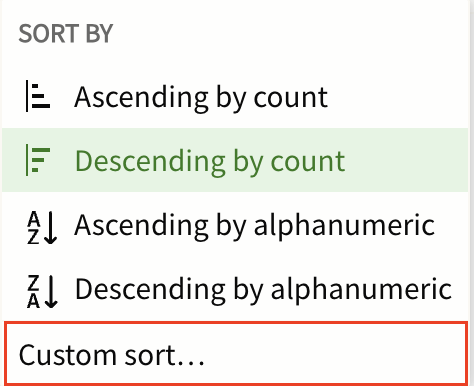
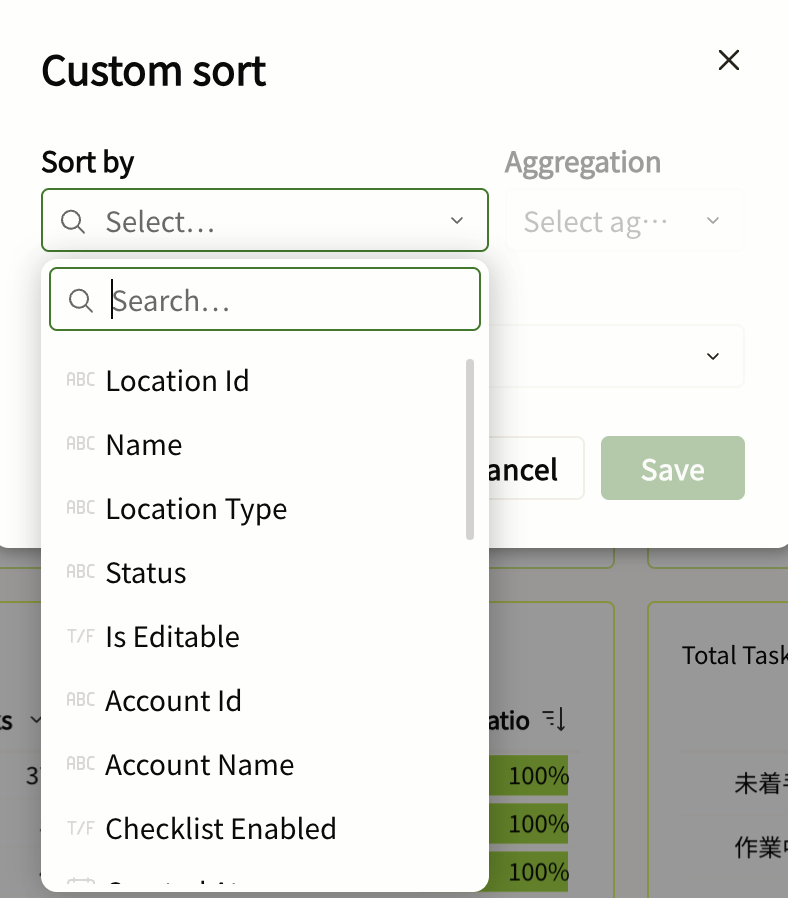
You can also use Custom sort option such as Location Id, Status, Account Name.
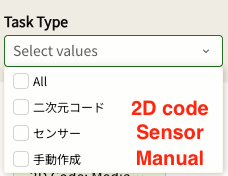
Task Type
Click on " ˅ " icon.
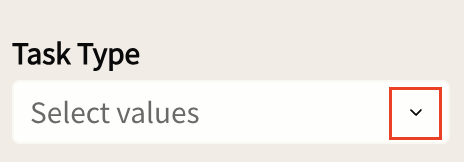
You can filter All/2D code/Sensor/Manual from the filter.